

Capture references without losing the details
Bring in a URL or a selected visual reference and explain the interaction, layout, or style you like. Other websites stay reference material, never edit targets.
ModelMerge Review
Talk through a draft, point at a detail, or explain what you like about another website. Your feedback keeps its visual context, from the first design to improvements a year after launch.
Open your project workspace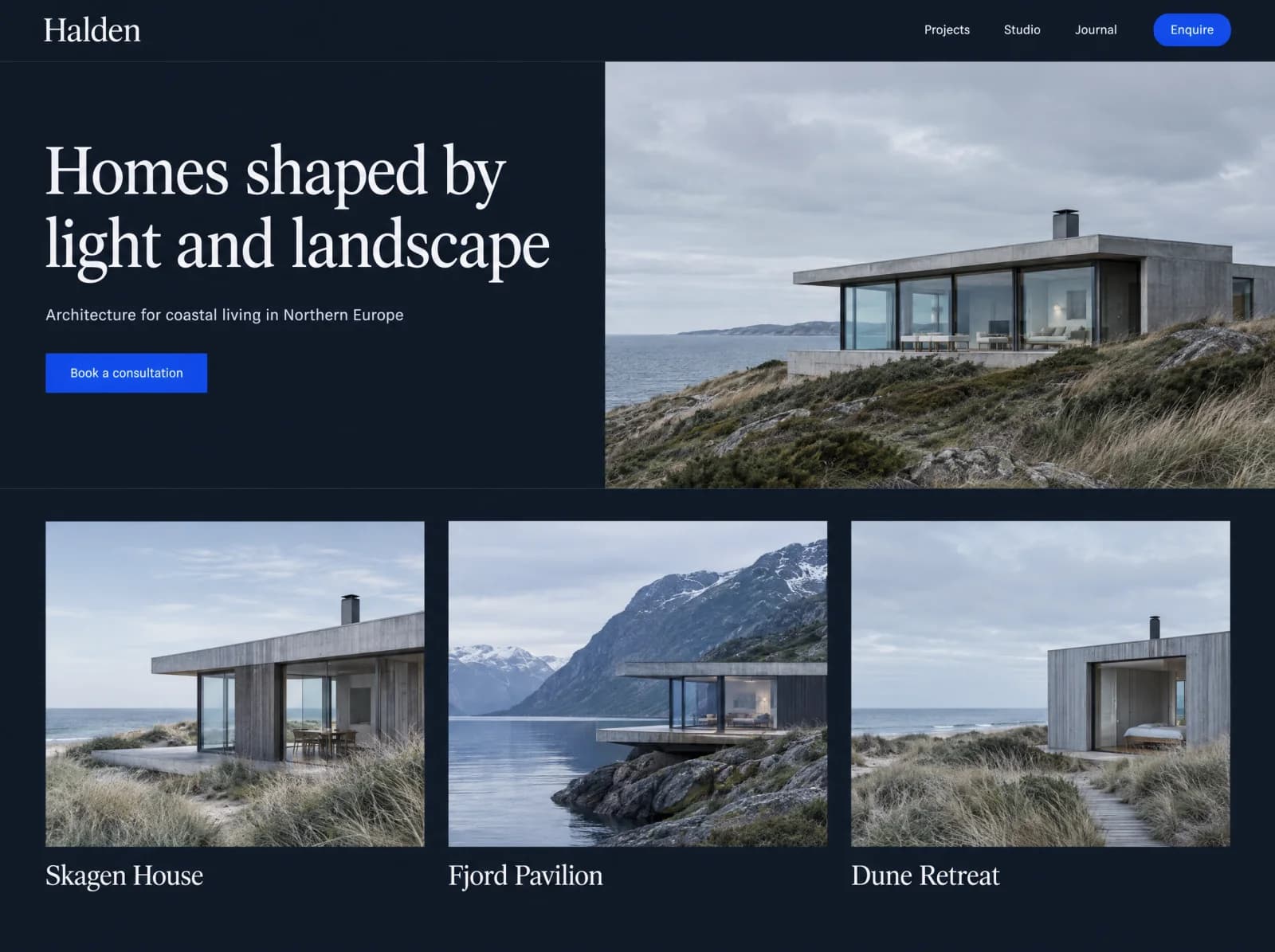
Point at anything and describe the change
Illustrated demo, shortened for clarity. Halden Studio is a fictional brand.
ILLUSTRATIVE WALKTHROUGH · NO RECORDING OR LIVE EDITS
Project draft · hero section
“Use our brand blue for this button, and give the heading more room.”
Change the primary button to the approved brand blue and adjust heading spacing.
Confirm the selected element and captured request before creating work.
A screenshot shows what caught your eye, and your explanation says why it matters. Review keeps both with the work that follows.
Bring in a URL or a selected visual reference and explain the interaction, layout, or style you like. Other websites stay reference material, never edit targets.
Edit the captured task list, clarify anything ambiguous, and decide what belongs in the next revision. Larger additions are scoped before anyone builds them.
Confirmed requests move into your project. Your experts review the preview before anything is published, and you approve according to your agreement.
Available capture options depend on project setup, browser permissions, and enabled integrations. Screen sharing captures only the surface you choose. Precise selection on other websites requires the optional browser extension and permission for that page. Preparing tasks does not automatically implement or publish changes.
Go to your projectsModelMerge Review
Review is available in your project workspace once it’s set up, from the first draft to improvements after launch.


